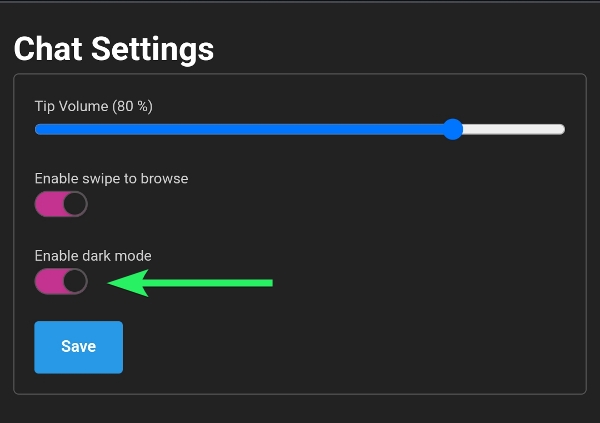
Toggle your Dark Mode settings in the following ways:
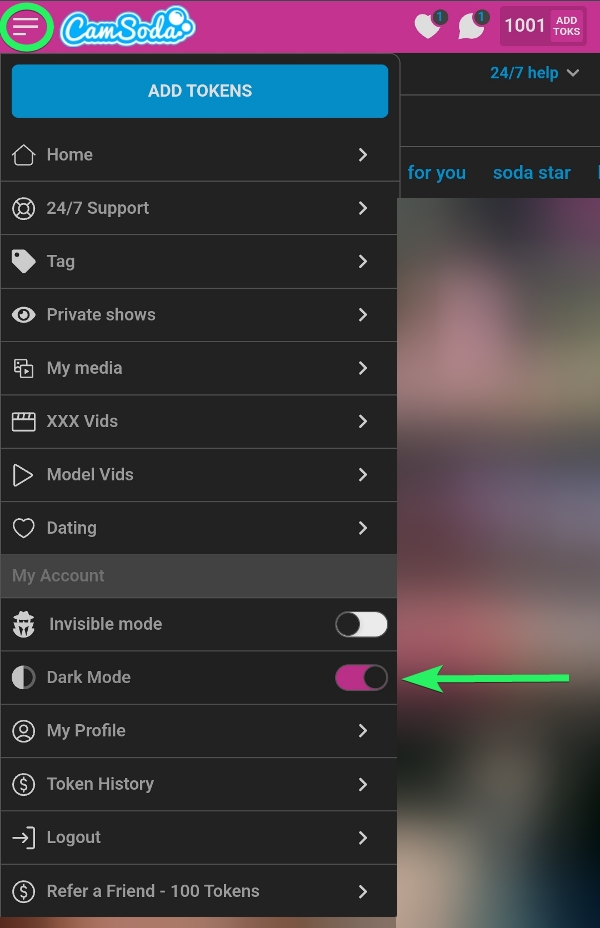
- Via mobile, the dark mode toggle can be accessed directly from the top left dropdown hamburger menu (3 horizontal lines).
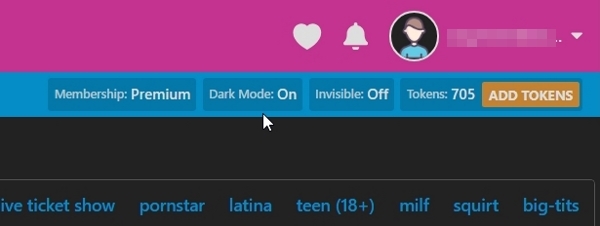
- Via desktop, dark mode can also be toggled by tapping the Dark Mode Off/Dark Mode On button near the top right of your browser.
- Via Settings & Privacy menu > Chat Settings